Manage all your work orders from a single panel and accelerate your operations.
Manage all your work orders from a single dashboard and streamline operations.
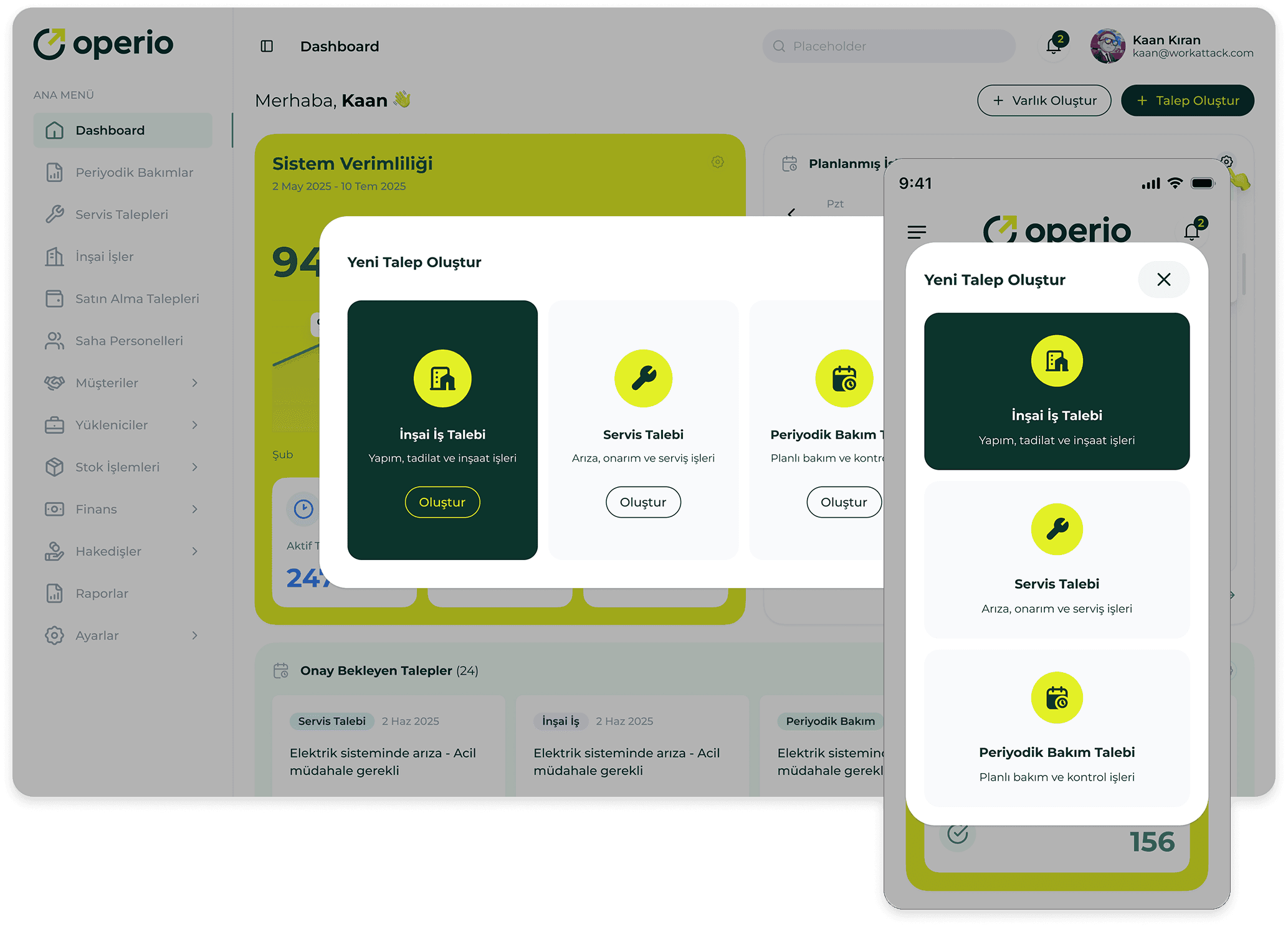
Full Process Control
View all stages of work orders at a glance: creation, assignment, progress, and completion.
Quick and Accurate Assignment
Easily assign work orders to the most suitable team or contractor.
Performance and SLA Tracking
Continuously monitor performance with SLA indicators, timers, and automatic alerts.
Less Delay, More Efficiency
Accelerate inter-team information flow and escape dozens of questions with real-time process tracking.
Detailed Functions
How does it work?
1
A request will be created by the store.
2
The operation center converts the request into a work order and assigns it.
3
The technical team starts the job through the mobile application, uploads the photos, and updates the process.
4
The entire workflow is reported automatically and in real time.
5
The operations center monitors SLA times in real-time and prevents delays.